
Phishing is a form of social engineering designed to steal sensitive information such as usernames, passwords, card numbers and banking details. Attackers impersonate a trusted brand or person to convince you to open an email, instant message or SMS and click a malicious link. From there they may install malware, trigger a ransomware attack, or quietly harvest confidential information.
It remains one of the most common ways organisations across the UAE and the wider GCC are breached, and it is also one of the most preventable. With a clear understanding of how these attacks work and a few sensible habits, you can dramatically reduce your exposure.
How Does a Phishing Attack Work?
A phishing attack usually starts with a message that looks entirely ordinary, an email, an SMS, or even a phone call that appears to come from a trusted source such as a well-known company or a familiar contact. The message typically asks you to do something, or dangles an incentive that is too tempting to ignore.
Common pretexts include a problem with your account, a failed payment, or an offer that seems too good to be true. Almost all of them share one trait: a sense of urgency. By pressuring you to act immediately, the attacker hopes you will click the link or open the attachment before stopping to think.
Types of Phishing Attacks
Email phishing. The most common form. Fraudulent emails impersonate a trusted organisation to trick recipients into revealing sensitive data through malicious links, usually wrapped in a sense of urgency.
Spear phishing. A targeted version aimed at a specific individual or organisation. Instead of mass emails, the attacker uses personal details to make the message far more convincing.
Whaling. A type of spear phishing aimed at senior executives or other high-value individuals, with the goal of stealing personal data or gaining access to sensitive business information. These attacks often use more sophisticated tactics.
URL phishing. Exploits web addresses that closely resemble legitimate sites, often with a small alteration or misspelling, leading victims to a fake page where they are tricked into entering confidential information.
Vishing (voice phishing). Uses phone calls or voicemails in which the attacker poses as a trustworthy company, using fear or attractive incentives to extract personal or financial details.
Smishing (SMS phishing). Uses text messages to trick victims into revealing personal data or downloading a malicious app, typically through a link or a number to call or text.
Pharming. A more technical attack that redirects users from a legitimate site to a fraudulent one, even when the correct address is entered, then collects everything that is typed in, including usernames and passwords.
Common Phishing Techniques
Social engineering. Attackers psychologically manipulate people into disclosing confidential information, much as a con artist would.
Fake websites and login pages. Phishers build fraudulent sites or login pages that look identical to the real thing. Believing the page is genuine, users enter their credentials, which the attacker then captures.
Email spoofing. Attackers craft emails that appear to come from a trusted source, such as a hosting provider or a known contact, by falsifying email headers to disguise their true identity.
Pop-up windows. Pop-ups can appear while you browse a legitimate website, asking for further authentication or extra details. Reputable services rarely collect personal data through pop-ups, so treat any such request with caution.
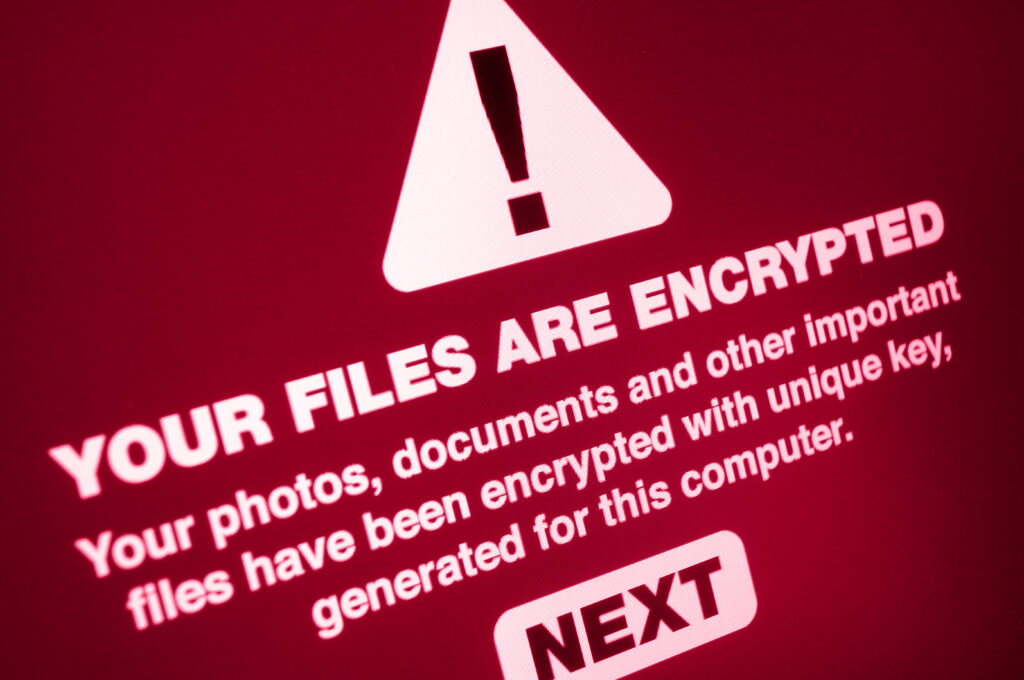
Malware and ransomware. Phishers trick users into downloading malicious software onto a device or server. That malware can steal files, damage systems, or deploy ransomware that locks your files until a ransom is paid.
Frequently Asked Questions About Phishing
What is the impact of phishing?
The consequences can be severe for individuals and organisations alike. For individuals, phishing can lead to unauthorised purchases, drained bank accounts or identity theft. For businesses and government bodies, it can mean malware distribution, unauthorised access to protected data, direct financial loss, and lasting damage to customer trust and reputation.
What should I do if I click a phishing link and enter my information?
If you think you have fallen for a phishing attack, acting quickly and decisively is essential to limit the damage:
- Report the incident. Mark the suspicious message as phishing in your email client and flag it to your IT or security team.
- Notify the relevant service providers. Contact the organisation involved if you clicked a link or entered data on a fraudulent page.
- Change your passwords. Update affected passwords immediately to prevent further unauthorised access.
- Monitor your accounts. Watch your accounts closely for any suspicious activity.
- Enable two-factor authentication. This makes it far harder for an attacker to keep access even if they have your password.
- Update your software. Make sure your antivirus, applications and components are all current.
- Contact the authorities. Where appropriate, report the incident to the relevant cybercrime authority, especially if you have suffered financial loss through fraud or identity theft.
How Can Website Owners Protect Against Phishing?
If you run a website, you are responsible not only for your own data but also for the information your visitors entrust to you. Sensible preventive measures include:
- Know the common techniques and red flags. Learn the warning signs, such as suspicious sender addresses and unexpected requests for sensitive information.
- Verify before you click. Always check the source of a message before clicking a link or opening an attachment.
- Use secure browsing sessions. Only use websites served over a secure (HTTPS) connection.
- Keep your software up to date. Ensure your browser, antivirus and operating system are always current.
- Install a reputable antivirus solution. Good protection helps defend against phishing and other threats.
- Harden your website. Use a web application firewall, security plugins, and an SSL certificate for secure HTTPS connections.
- Back up your website regularly. Reliable backups let you restore your site quickly if it is compromised or malware is installed.
- Monitor for signs of compromise. Scan regularly for malware and other indicators of attack.
The single most effective defence, however, is a workforce that can spot a phishing attempt before it succeeds. Technology blocks much of the noise, but a well-trained team is what stops the message that slips through. Our phishing simulation and awareness training helps your people recognise and report these attacks under realistic conditions, turning your biggest risk into your strongest line of defence.
Stay vigilant, build safe habits, and combine them with reliable security measures, and you can keep your data and your website well protected against phishing.
Ready to test how your team responds to a real-world phishing attempt? Explore our phishing simulation and awareness training. Book a free consultation.
Awareness training works best when people have actually seen a convincing attempt. Our phishing simulations put your team in front of one, safely.